Skip to content

All your coding agents, in one workspace.

Run Claude Code, Codex, OpenCode, and 13 more CLI agents side by side. Keep each task's terminals, branch, diff, dev servers, and sessions in one place. With MCP, your agents can read each other's panes.

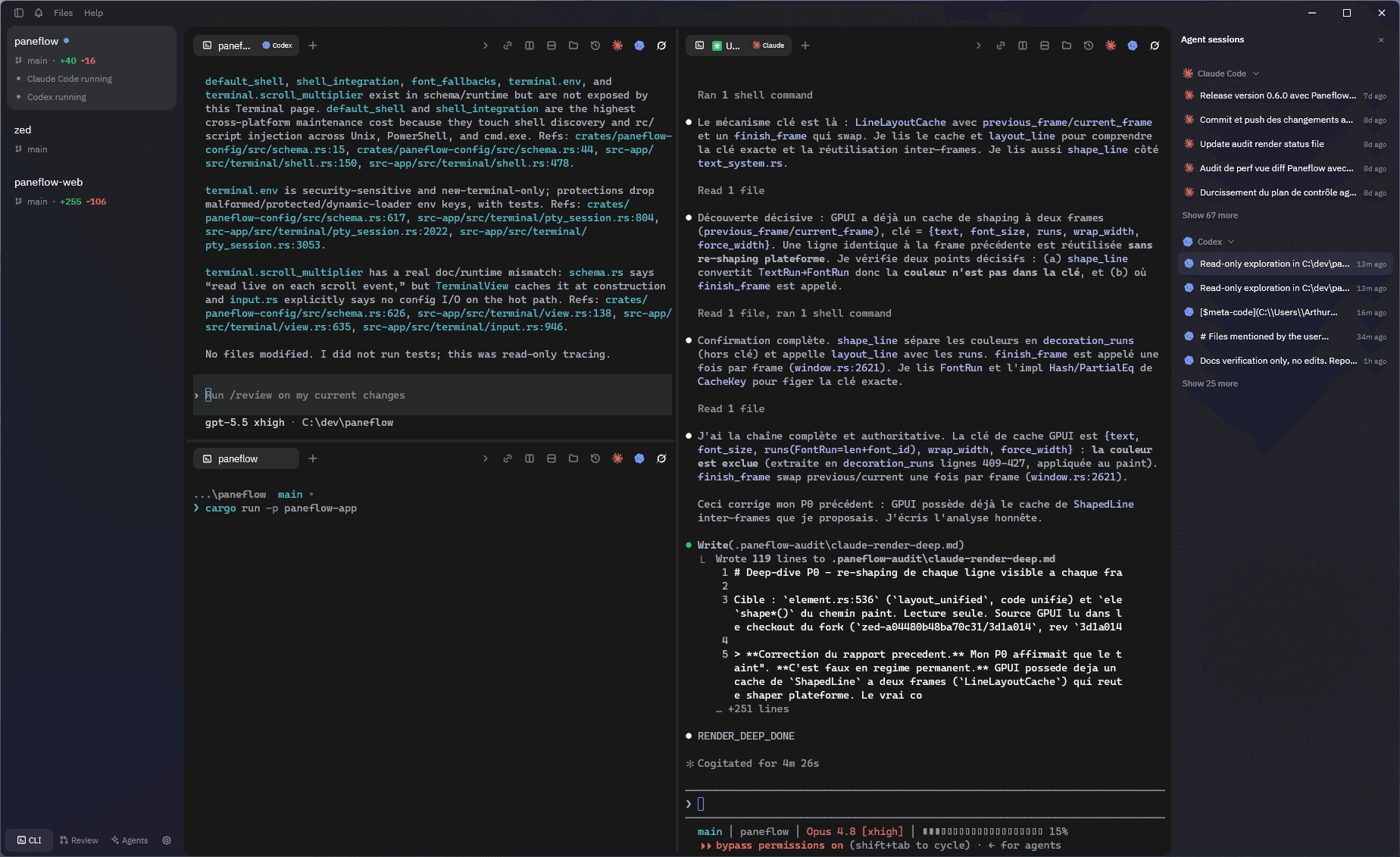
Paneflow grouping multiple coding agents, terminals, and diffs in one workspace

All your agents' work, in one place.

16 CLI agents, ready to launch

Claude Code, Codex, OpenCode, and 13 more in one click. Add your own commands.

One workspace per task

Terminals, branch, diff, dev servers, and sessions kept together, and back after a restart.

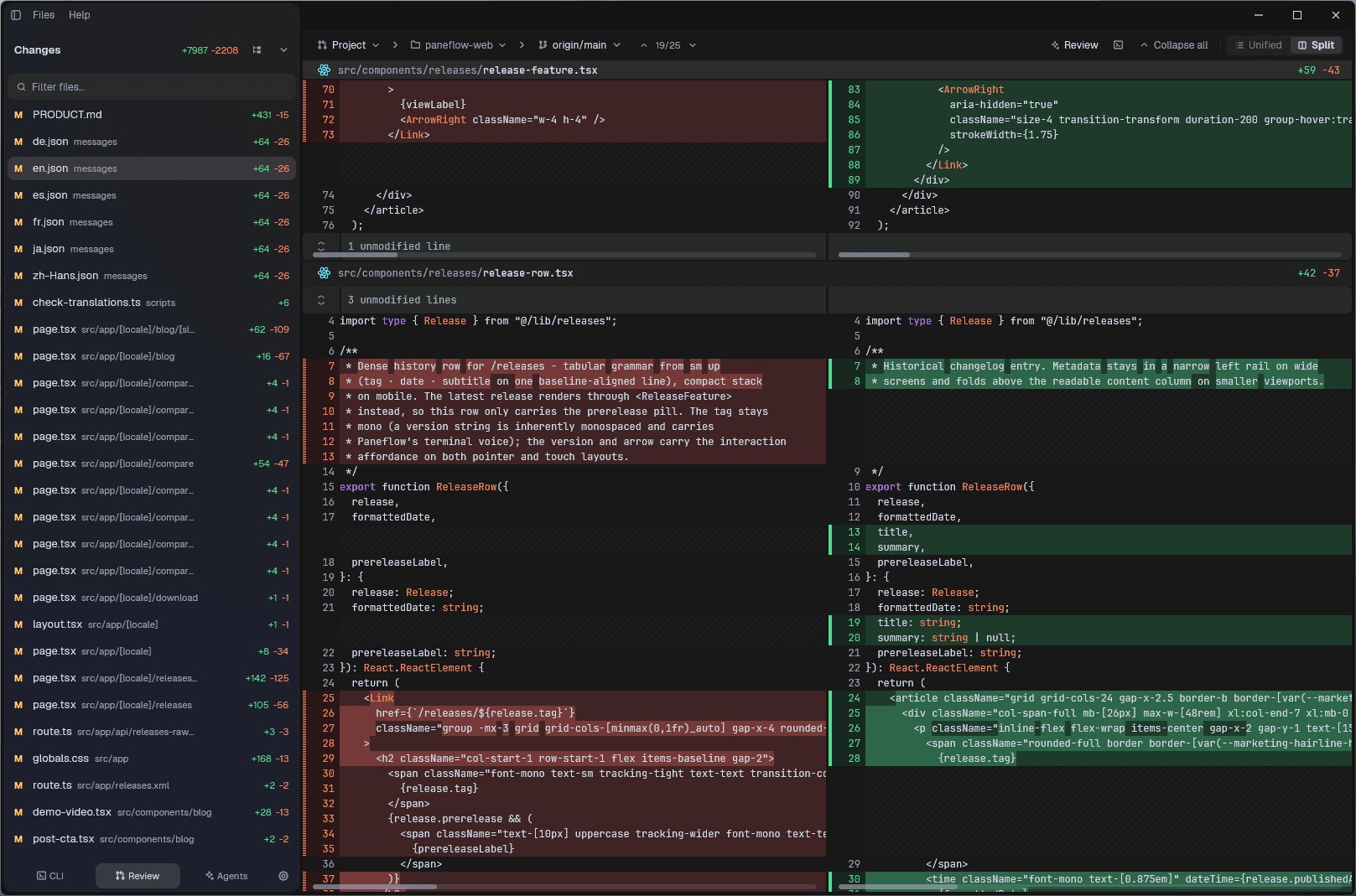
Diffs reviewed by multiple agents

Compare several worktrees and have the diff reviewed by Claude Code, Codex, or OpenCode.

Build each workspace around a task

Agents, tests, servers, and reviews side by side. Split, resize, or start from a ready-made layout.

See the context for each task

Paneflow shows each workspace's branch, diff, working directory, and running HTTP servers. For Claude Code and Codex, the sidebar also shows whether the agent is working or waiting.

Paneflow sidebar showing git branch, diff, servers, and Claude Code and Codex status

Your agents can read each other's panes

Paneflow's MCP server lets an agent list panes, read test output, or search for an error in another terminal - no copy-paste. JSON-RPC also lets you drive splits and prompts from your scripts.

An agent using Paneflow's MCP and JSON-RPC interfaces to read and control panes

Resume a session without starting over

Paneflow groups the native session histories of Claude Code, Codex, and OpenCode for the current project. Pick a session and resume it directly in the terminal.

List of available Claude Code, Codex, and OpenCode sessions for the current project in Paneflow

Frequently asked questions

What is Paneflow?

Paneflow is a free, open-source workspace for CLI coding agents, written in Rust on Zed's GPUI rendering engine. It runs Claude Code, Codex, OpenCode, and 13 more agents in parallel panes, and keeps each task's terminals, git branch, diff, dev servers, and sessions together in one window on Linux, macOS, and Windows.

Is Paneflow free?

Yes. Paneflow is free and open-source under the GPL-3.0 license. There is no paid tier, and the full source code is public on GitHub.

Which platforms does Paneflow support?

Paneflow runs on Linux (Wayland or X11, with a Vulkan driver), on macOS 13 Ventura or later on Apple Silicon, and on Windows 10 1809 or later.

How is Paneflow different from a terminal multiplexer like tmux?

Paneflow replaces a terminal multiplexer for agent work. It covers splits, panes, and session restore, then adds what tmux does not track: each workspace's git branch, diff, and running dev servers, plus a sidebar showing whether Claude Code or Codex is working or waiting - in a GPU-rendered native app instead of a TUI.

Can agents read each other's panes?

Yes, through Paneflow's MCP server: an agent can list panes, read another pane's scrollback, or search it for an error message - no copy-paste. A JSON-RPC IPC server also lets your scripts drive splits, prompts, and layouts.